Menu
As a valued member of our Xero Beta Group, we want to make sure you start off on the right foot.
Setup
To connect your Xero account to Tradiecore, follow these steps:
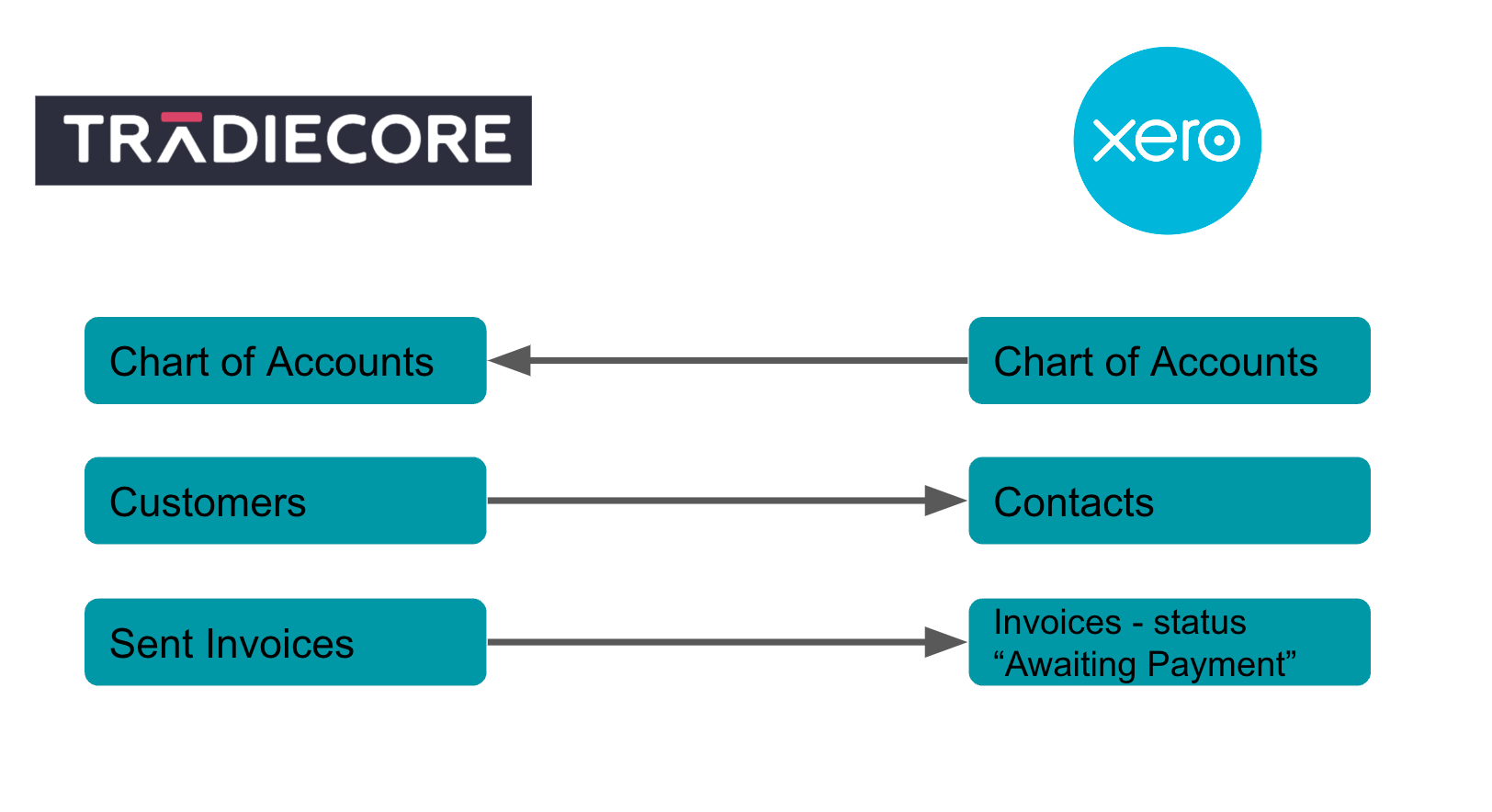
Once your accounts are linked, any invoice that is sent to a customer will be submitted to xero at the same time - no extra steps required.
If you want to modify which Xero sales account your invoice items will be tracked against:
Troubleshooting
If we can’t automatically submit your invoice to Xero, you may have been logged out. If this happens, you will receive a pop up. Follow the instructions to log back in and restore your connection, then push the invoice manually.
The invoice will still have been sent to your customer
If your connection to Xero has been lost, you can restore it from the integrations page under settings. Follow the instructions to log back in and restore your connection.
You can choose to disable the connection between Tradiecore and Xero at any time via Xero.
Follow these instructions here to disconnect the Tradiecore App from your Xero account.
We're here to help